
How to Build an AI-Driven Automated Workflow: 7 Steps to Scale Your Operations


TL;DR — Key Takeaways
- • An AI-driven automated workflow is an intelligent sequence of tasks where AI makes decisions and executes actions autonomously. Here is the 7-step masterclass.
- • This article covers ai strategies strategies for businesses using AI automation.
- • Zappify.io provides the all-in-one platform to implement these strategies — from CRM to AI agents.
An AI-driven automated workflow is an intelligent sequence of tasks where artificial intelligence makes decisions, routes data, and executes actions without human intervention. It serves as the central operating system of a modern business, transforming unpredictable manual work into a scalable, predictable machine. By combining reasoning models with software integrations, these workflows allow you to multiply your output exponentially.
Step 1: Identifying Bottlenecks
The first step to scaling is finding out what is slowing you down. Do not try to automate your most complex creative tasks first.
Instead, focus on high-volume, low-logic tasks. Look for repetitive actions like data entry, initial lead triage, or scheduling follow-ups. If a task requires copying and pasting, it is a prime candidate for automation.
Step 2: Mapping the Logic
Before touching any software, map out the workflow on a whiteboard or a flowchart tool. You need to define the exact path the data will take.
Understand the difference between "If/Then" logic (rigid rules for predictable data) and "Agentic" reasoning (giving an AI a goal to handle unpredictable inputs). Knowing which to use prevents broken workflows.
Pro-Tip: Always use a 'Human-in-the-Loop' filter for sensitive customer communications or high-value financial transactions.
Step 3: Tool Selection
Your workflow needs a central hub to act as the "glue" between your different applications.
For complex, multi-app ecosystems, tools like Make.com or Zapier are industry standards. However, using a powerful, unified platform (like Zappify AI) often yields the best results by keeping your CRM, communications, and AI agents under one roof.
Step 4: Prompt Engineering for Workflows
When integrating an LLM into your workflow, your prompt is your programming language. Vague instructions lead to unpredictable outputs.
Give the AI a specific role, clear constraints, and the exact format you need the output in (like JSON). Structured data is essential for the next step of the automation to understand the AI's decision.
Step 5: API & Webhook Integration
This is where you connect the "brain" (the AI) to the "hands" (your tools). Webhooks act as the trigger, sending data in real-time when an event occurs.
APIs allow your workflow to push the AI's generated response back into your CRM, email sender, or Slack channel. Mastering API documentation is the key to unlocking true automation.
Pro-Tip: Always build error-handling routes. If an API call fails, the workflow should alert you via Slack or SMS rather than failing silently.
Step 6: The Testing Phase
Never push an AI workflow to production without rigorous testing. AI models can hallucinate or format data incorrectly.
Run dozens of test scenarios, especially edge cases. What happens if a user submits a blank form? What if they ask a question entirely unrelated to your business? Debugging these paths early saves your reputation later.
Step 7: Monitoring & Iteration
Automation is not a "set it and forget it" process. As your business grows and AI models update, your workflows will need refinement.
Use data logs to monitor the AI's performance. Are the responses accurate? Is the workflow saving time? Continuous iteration is what separates a good automation from a world-class system.
Why Professionals Matter?
While these seven steps provide a clear roadmap, the actual execution is highly nuanced. Connecting a few apps is easy; building a resilient, logic-based architecture that doesn't break at scale is incredibly difficult.
Most businesses fail because they lack the architectural foresight to handle edge cases, API rate limits, and complex data routing. That is where bringing in an expert pays for itself.
Ready to Scale Your Operations?
If you understand the power of AI but don't have the hundreds of hours required to build and debug these systems yourself, we can help.
Contact Zappify Services today to have our Lead Automation Architects build these high-level, self-driving architectures for your business.
Frequently Asked Questions
How much does AI automation cost for a Philippine business?
AI Zappify starts at P2,899 per month or P28,990 per year (2 months free). This includes AI chatbot, CRM, appointment booking, email marketing, and social media management — 10 tools in one platform. A 14-day free trial is available with no credit card required.
How long does it take to set up AI automation for my business?
Most businesses are up and running in under an hour. You connect your Facebook Page, set your business hours and services, link your calendar, and the AI is ready. For businesses that want done-for-you setup, Zappify Services handles everything end-to-end.
Can AI automation work with Messenger, SMS, and Viber?
Yes. AI Zappify connects to Facebook Messenger, Instagram DMs, SMS, and Viber in one unified inbox. The AI responds in English, Taglish, or Tagalog — 24/7, instantly. Every conversation is logged in your CRM for follow-up.
Browse by Category
Related Articles
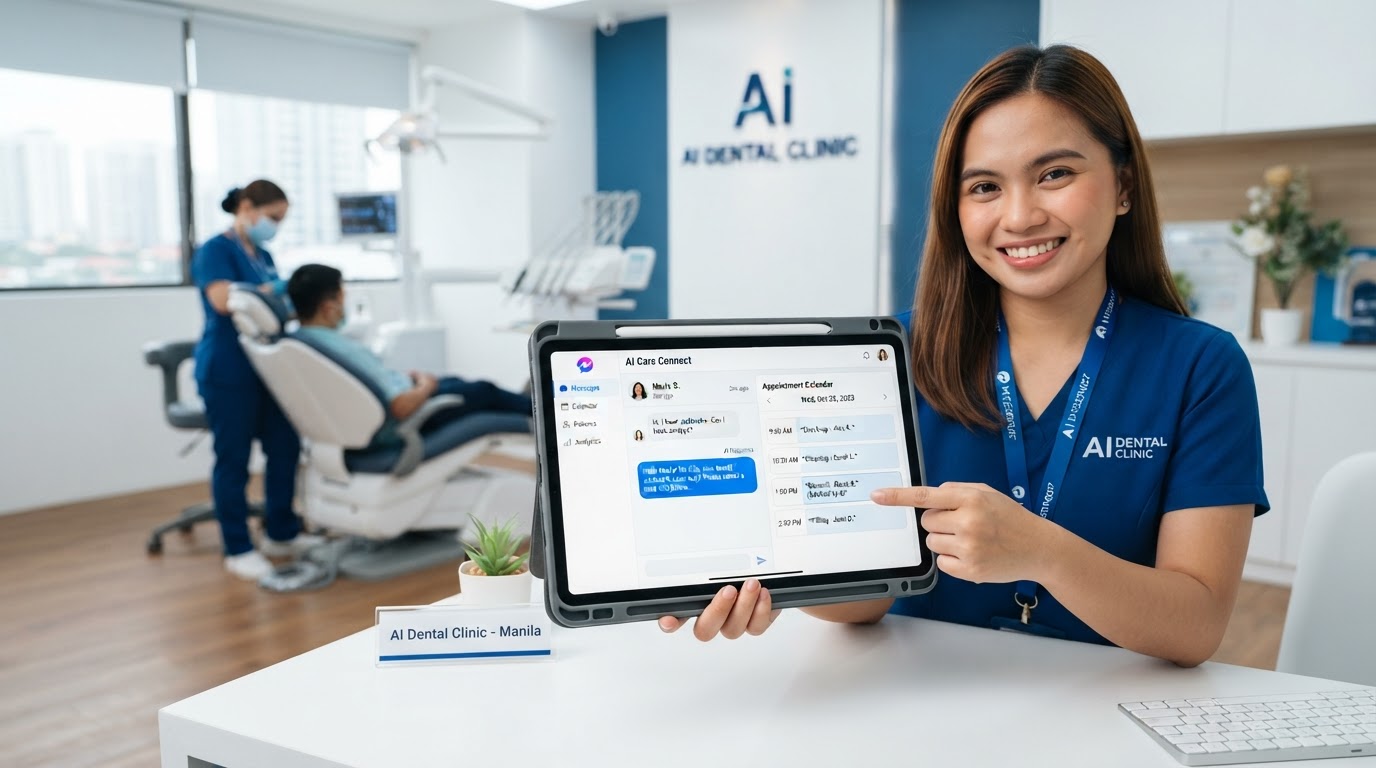
AI Automation for Medical Clinics in the Philippines: Never Lose a Patient
AI automation for medical clinics in the Philippines answers patient inquiries instantly, books appointments automatically, and cuts no-shows with smart reminders — so your secretary never loses a patient again.
AI Automation for Optical Clinics in the Philippines: Turn Past Customers Into Repeat Revenue
AI automation for optical clinics in the Philippines answers frame and eye exam inquiries instantly, books exams automatically, and recalls past customers at 12, 18, and 24 months — turning your dead customer list into repeat revenue.
AI Automation for Dental Clinics in the Philippines: Never Miss a Patient Again
AI automation for dental clinics in the Philippines answers Messenger inquiries instantly, books appointments automatically, and cuts no-shows with smart reminders — so your front desk never loses a patient again.